
Run the back office
The whole operation, in one console
Stock, orders, customers, suppliers, and every site change — one portal runs it all. And on managed plans, Canopy staff can drive the same portal for you.
Run the back office
Stock, orders, customers, suppliers, and every site change — one portal runs it all. And on managed plans, Canopy staff can drive the same portal for you.
Inventory
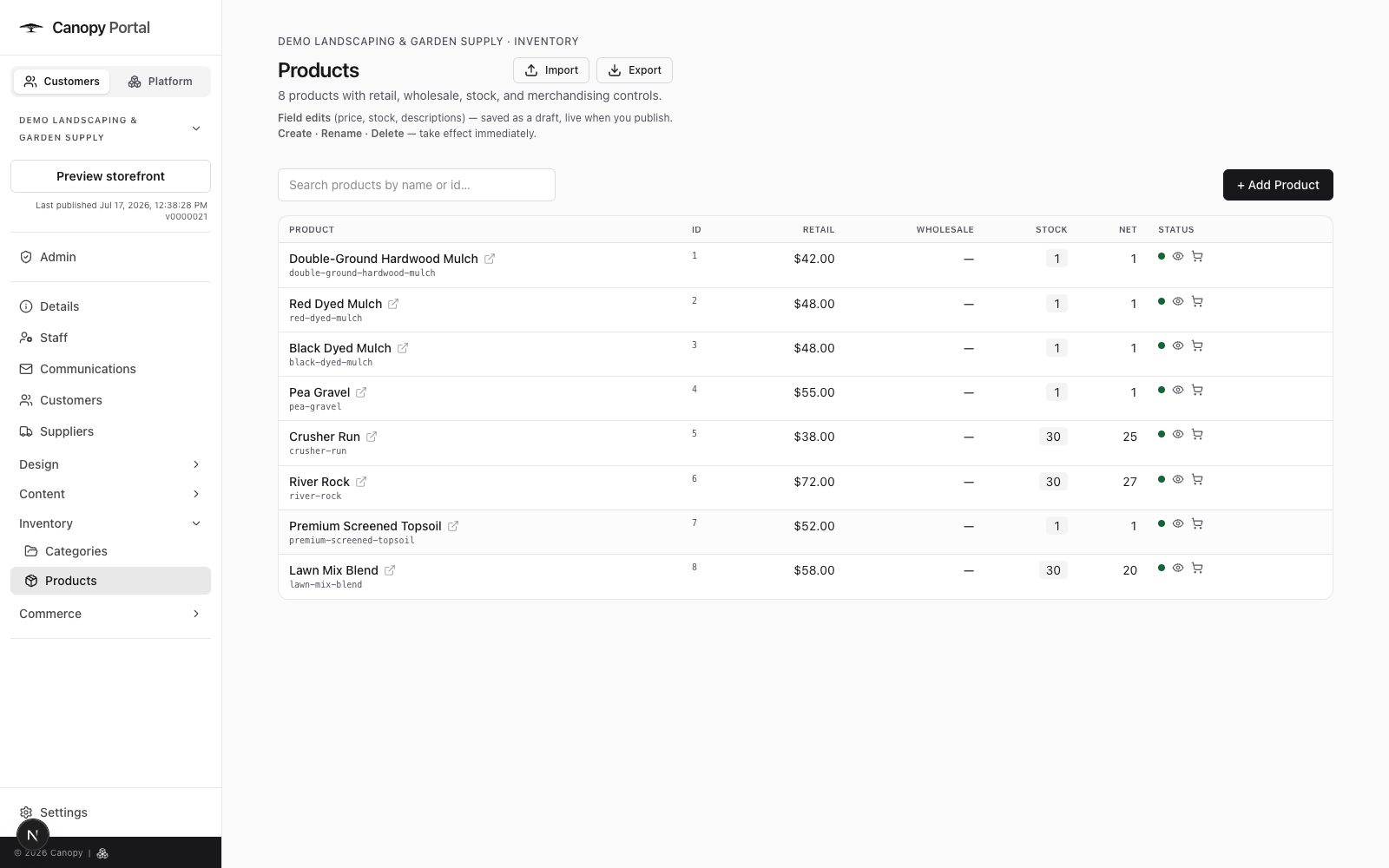
Inventory in Canopy isn't a spreadsheet you reconcile at night — it's the number the storefront lives by. Stock levels drive what customers see, open quotes net against what's left, and the thresholds are yours to set, product by product.
Suppliers
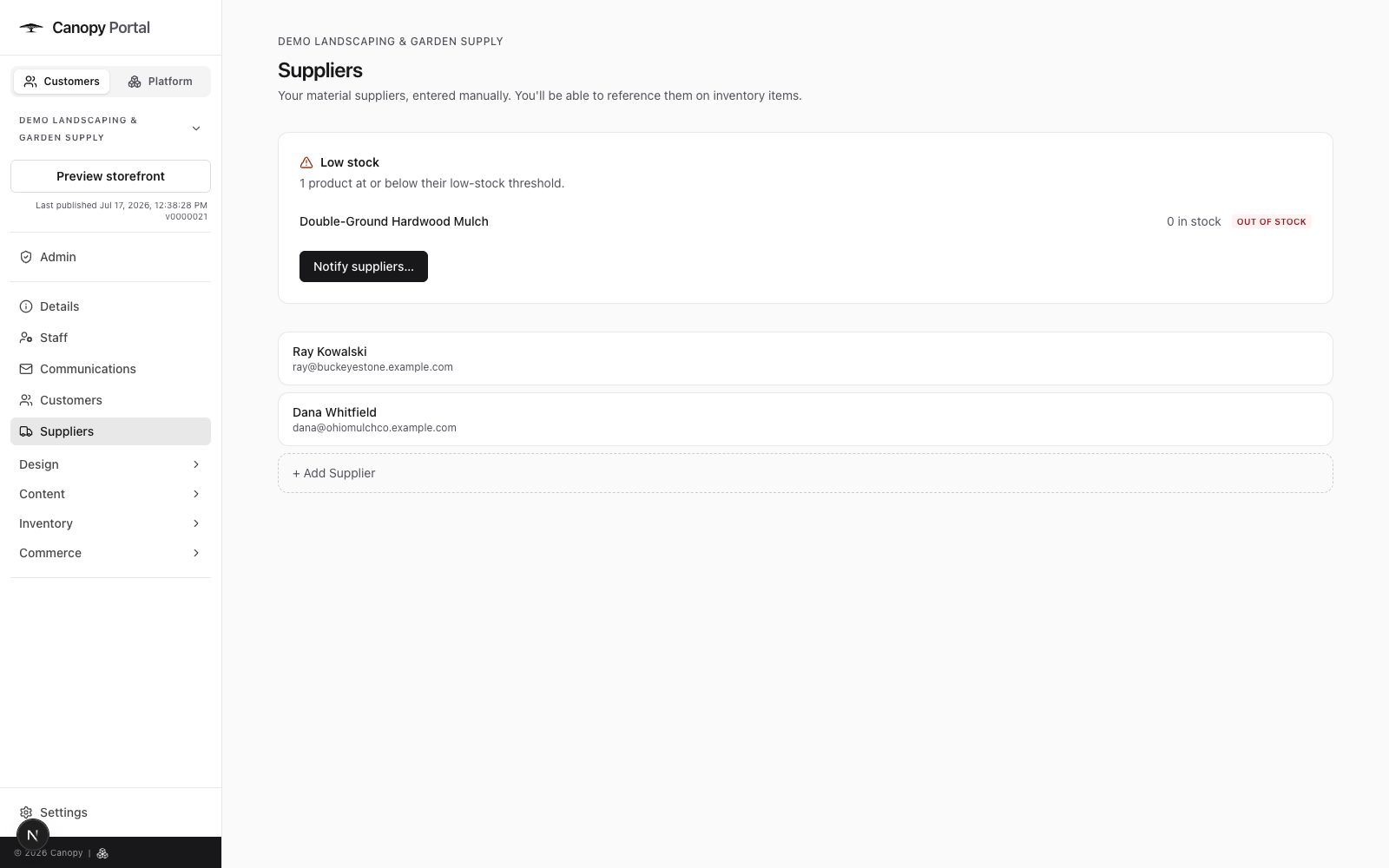
The portal watches your stock so you don't have to. When something crosses its threshold it shows up in the low-stock alerts — from there, reordering is picking the products, picking the supplier, and sending the request without leaving the page.
Orders & fulfillment
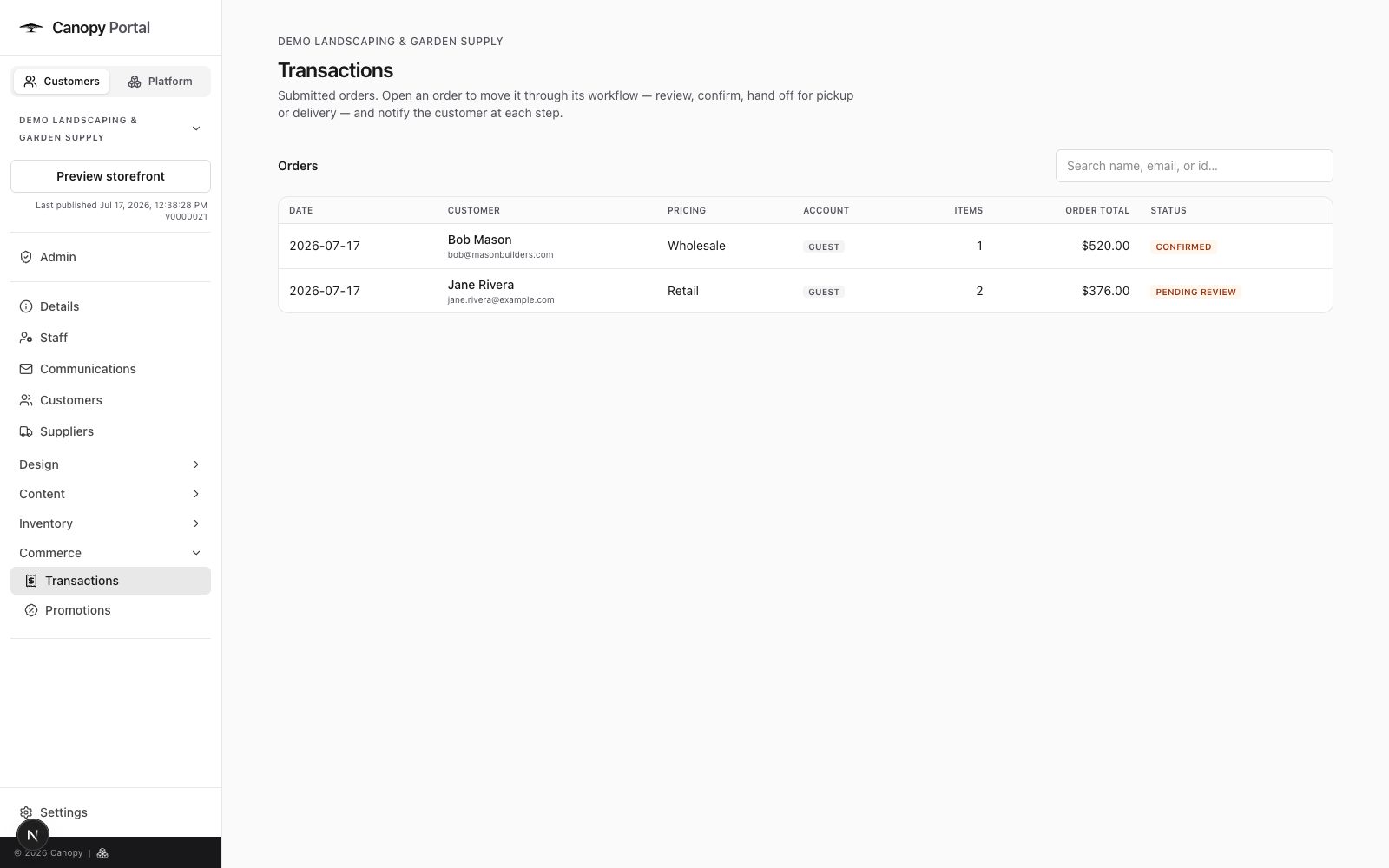
Every quote request lands in Transactions with everything you need to work it: the lines, the customer, the fulfillment. Review it, price it, confirm it — then track pickup and delivery per line until the job is done.
Customers
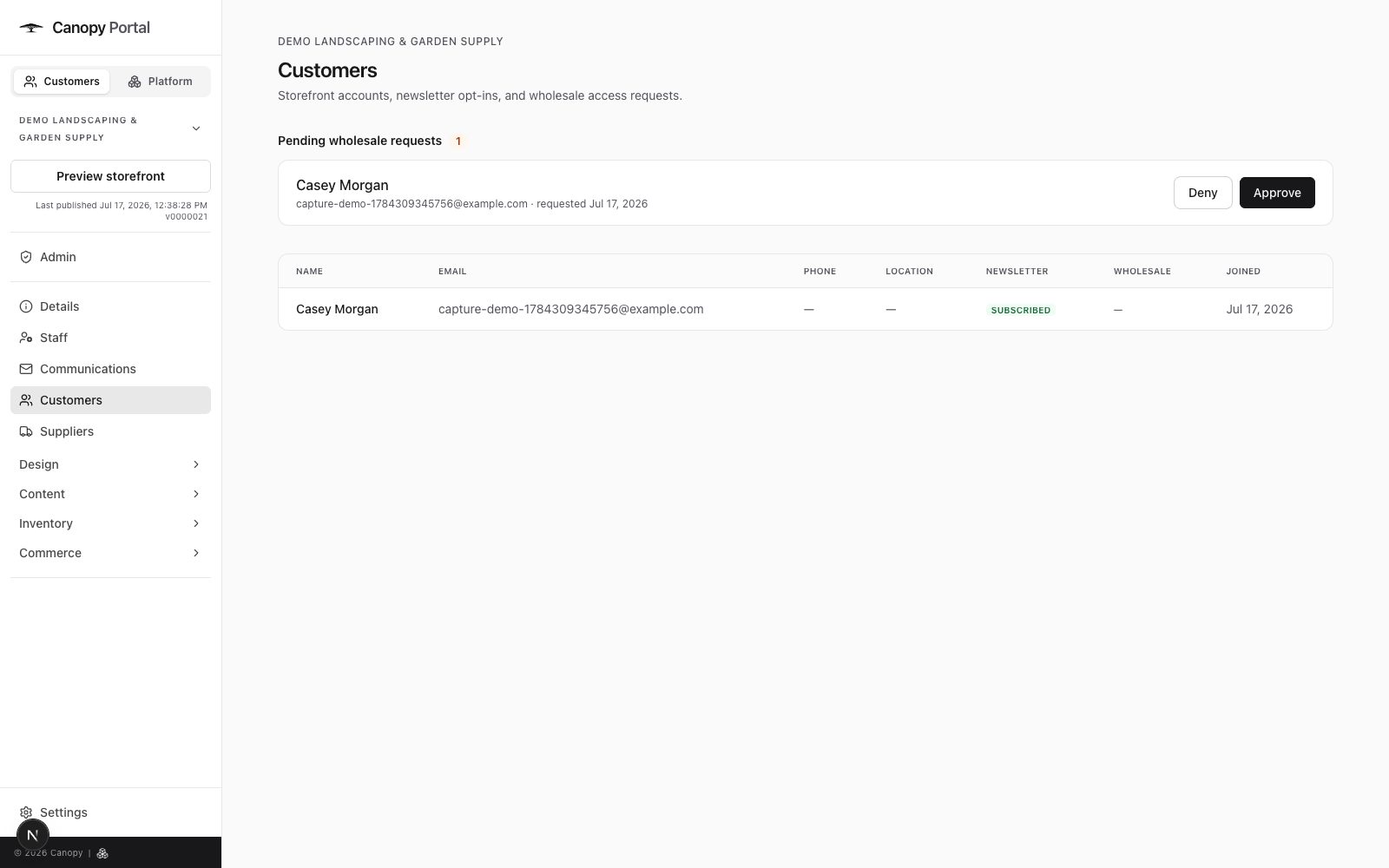
Customers get accounts on your site — saved details, quote history — and you get the controls: who's approved for wholesale, who's pending, who's been denied. Requests wait in a queue for your decision.
Safe editing
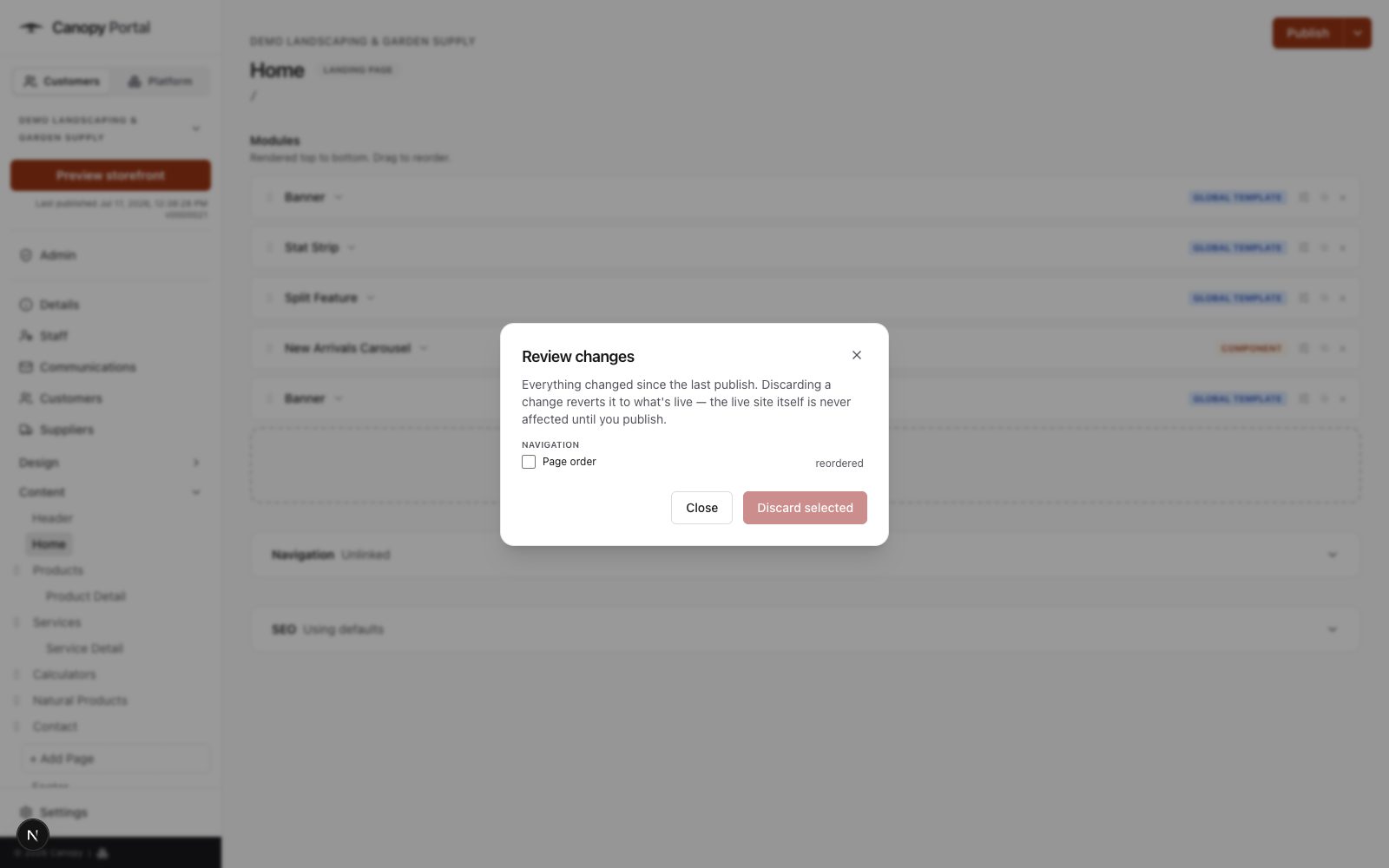
Change the site in the middle of spring rush without holding your breath. Edits stage as drafts, you review exactly what changed, and nothing reaches customers until you publish. If two people edit the same thing, Canopy catches the conflict instead of silently losing work.
Messages go to the right person — addresses are never exposed on the site, and privacy-friendly spam protection means no puzzles from Google.
Weekly hours plus seasonal schedules and holiday closures, with live open/closed status on the storefront.
Control which staff can administer the site, section by section — inventory for the counter, content for whoever runs the website.
Manage your team in the portal; introduce them on your site with photos, titles, and routed contact.
Every change in the portal is recorded — who did what, and when.
Verify your domain once and quote and account email sends as your business, not a platform address.
Tell us a bit about your business and we'll walk you through the platform — your products, your branding, your questions.
Request information